インフォグラフィック 推奨:ChatGPT
インフォグラフィック:歴史のタイムライン
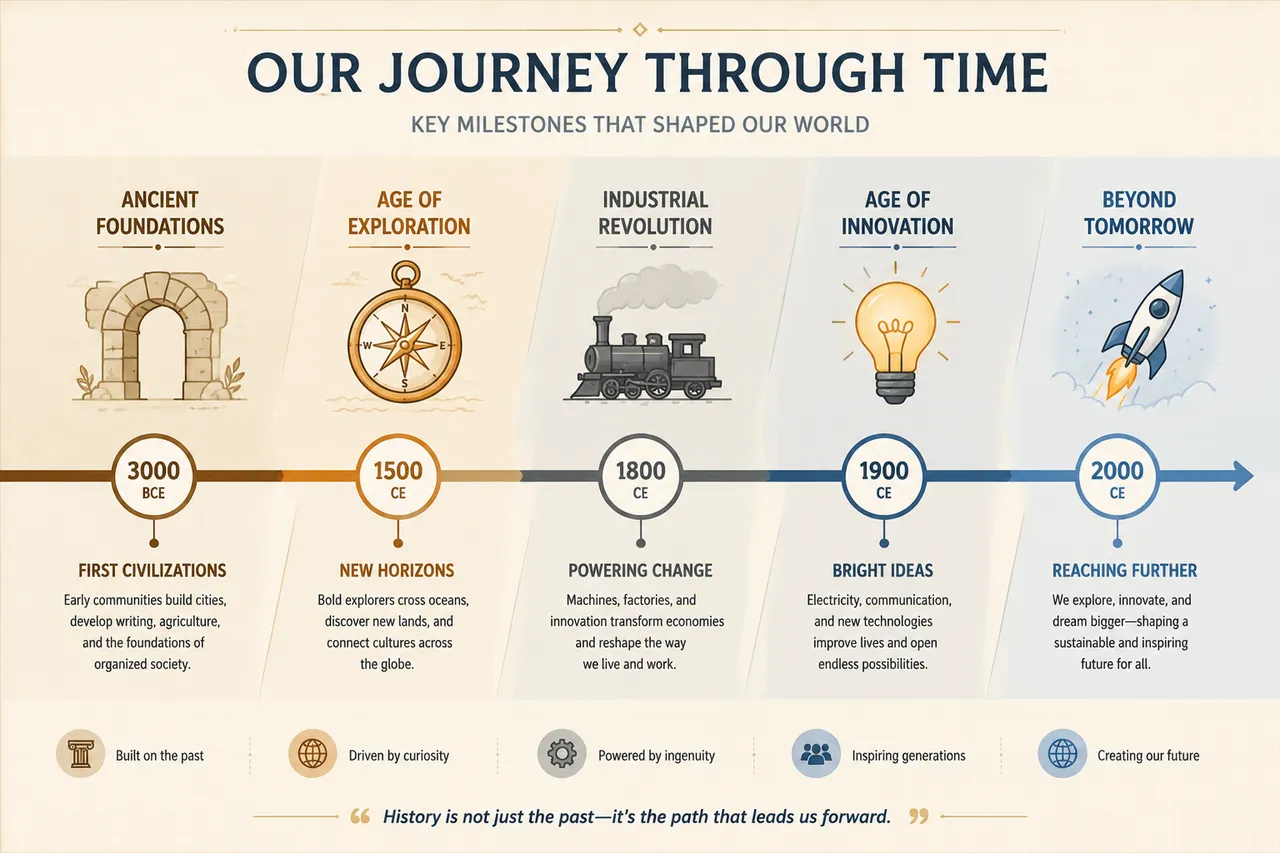
歴史のタイムライン:貫く年のノード+時代のアイコン+区間色。長い歴史の川を俯瞰する一枚。
プロンプト全文(英語)
Wide horizontal history timeline infographic, a central flowing line with circular year nodes at regular spacing, each node accompanied by a small flat icon representing the era: an ancient arch, a compass, a steam engine, a lightbulb and a rocket, sections softly color-coded into stone, bronze, grey and blue palettes, subtle diagonal banding between periods, abstract placeholder labels to avoid garbled text, cream paper background with subtle grid, elegant editorial historical visualization, high resolution, 4k
同じ画像を生成:
上のプロンプトをコピー → ChatGPTを開く → 貼り付けて送信(画像モデルは切り替え可) → 結果を待つ。
ChatGPTを開く ↗
詳しい手順は
チュートリアルへ。
#年代
よくある質問
この画像はどう再現するの?▾
上の英語プロンプトをコピーし、ChatGPTを開いて画像モデルに切り替え、プロンプトを貼り付けて送信します。モデルが似た結果を生成します。
どのAIツールを使えばいい?▾
推奨:ChatGPT。長い英語プロンプトを受け付ける対話型画像ツールなら、どれでも似た結果を出せます。
このプロンプトをカスタマイズできる?▾
はい。被写体、スタイル、色、構図の指定を自分のものに差し替えられます。説明文には通常、変更箇所のヒント(例:「XをYに置き換え」)があります。
実例画像は自由に使えますか?▾
実例画像は当サイトがこのプロンプトで紹介用に生成したものです。プロンプト自体は自由にコピー・利用できます。商用利用の場合は、使用するAIツールの条件をご確認ください。