
インフォグラフィック 推奨:Nano Banana
インフォグラフィック:八段階の醸造フロー、ぶどうからグラスまで
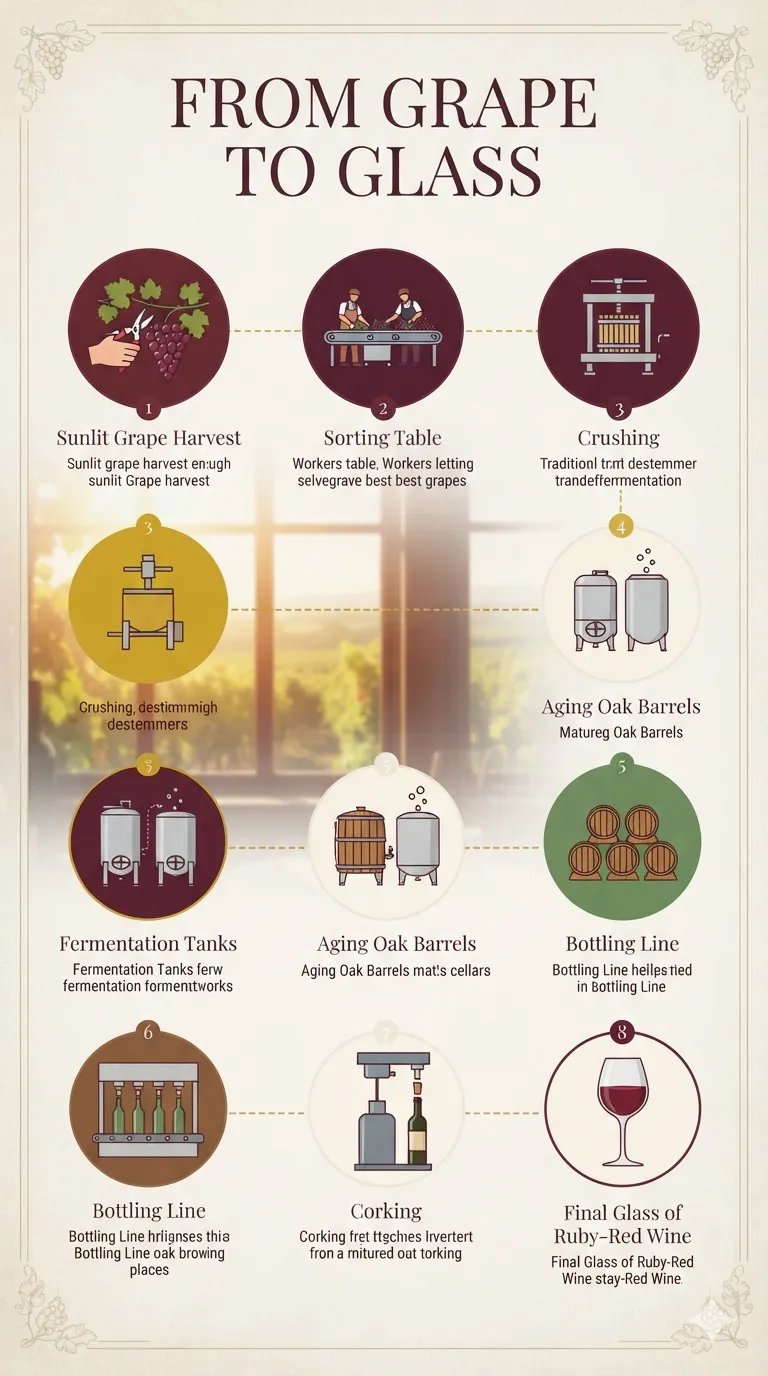
横型の八段階のタイムラインが収穫・選果・破砕・発酵・熟成・瓶詰め・コルク栓を経て最後は赤ワインのグラスに至る。円形バッジの小アイコンが金の点線で連なり、ワインレッドと羊皮紙の配色。
プロンプト全文(英語)
Elegant infographic poster 'FROM GRAPE TO GLASS' illustrating the wine-making process as a horizontal eight-step timeline flowing left to right: sunlit grape harvest, sorting table, crushing, fermentation tanks, aging oak barrels, bottling line, corking, and a final glass of ruby-red wine. Each step is a flat minimal vector icon inside a soft circular badge connected by a thin gold dashed line with small serif step numbers. Color palette: deep wine red #722F37, burgundy #5B2333, gold #C9A227, cream #F7F1E3, leaf green #6B8E5A, oak brown #8B5E3C, on a subtle parchment-textured background with faint grape-vine corner borders. Classic serif title typography, short explanatory captions beneath each badge, warm window-side sunlight in the background vineyard vignette, clean hierarchical layout with the timeline as the dominant axis, matte finish, high detail, 4k
同じ画像を生成:
上のプロンプトをコピー → Nano Bananaを開く → 貼り付けて送信(画像モデルは切り替え可) → 結果を待つ。
Nano Bananaを開く ↗
詳しい手順は
チュートリアルへ。
よくある質問
この画像はどう再現するの?▾
上の英語プロンプトをコピーし、Nano Bananaを開いて画像モデルに切り替え、プロンプトを貼り付けて送信します。モデルが似た結果を生成します。
どのAIツールを使えばいい?▾
推奨:Nano Banana。長い英語プロンプトを受け付ける対話型画像ツールなら、どれでも似た結果を出せます。
このプロンプトをカスタマイズできる?▾
はい。被写体、スタイル、色、構図の指定を自分のものに差し替えられます。説明文には通常、変更箇所のヒント(例:「XをYに置き換え」)があります。
実例画像は自由に使えますか?▾
実例画像は当サイトがこのプロンプトで紹介用に生成したものです。プロンプト自体は自由にコピー・利用できます。商用利用の場合は、使用するAIツールの条件をご確認ください。


