
インフォグラフィック 推奨:ChatGPT
サイエンス図表:海流の環流マップ
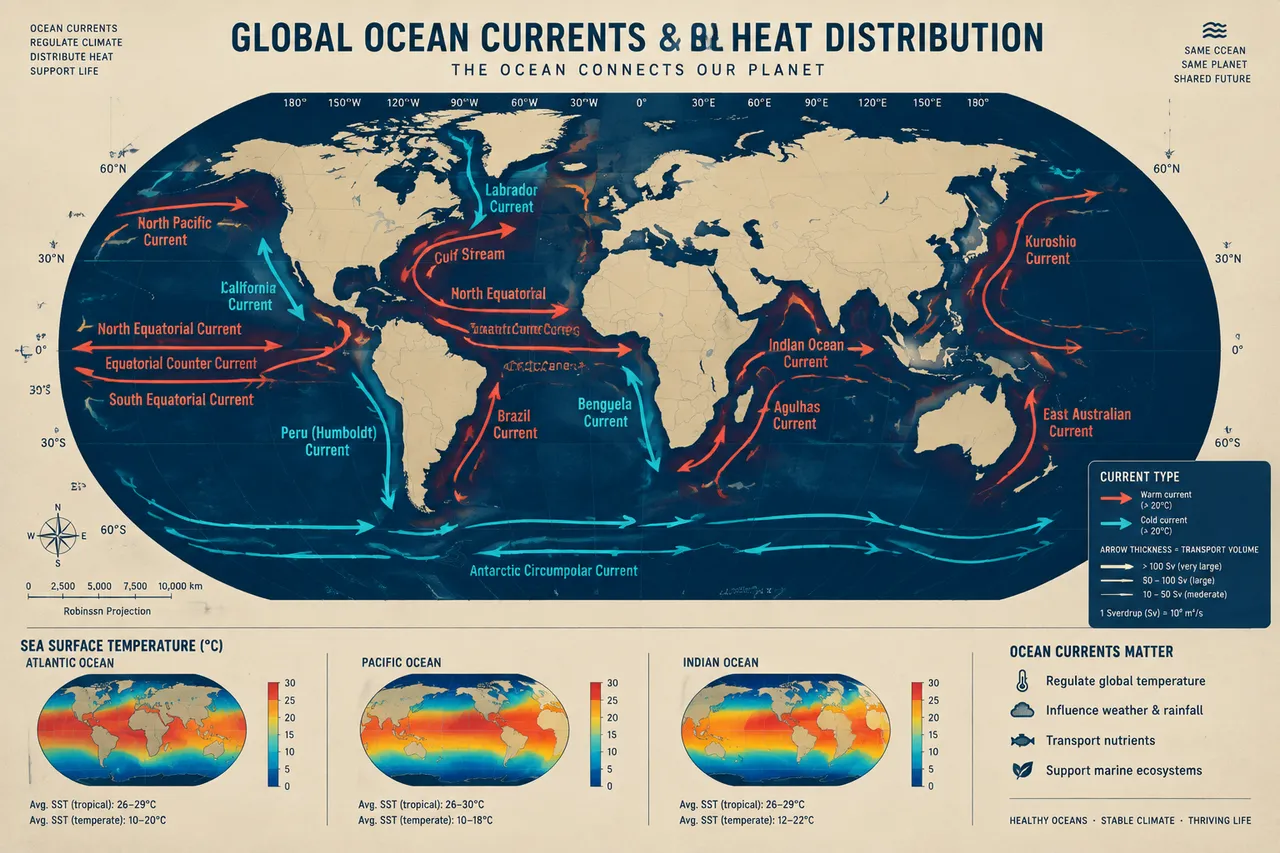
世界地図に珊瑚橙の暖流と青の寒流の太い矢印が湾流や黒潮などを描く。矢印の太さが輸送量に対応し、底部に海面水温の比較バー。
プロンプト全文(英語)
Geographic infographic poster mapping global ocean currents and heat distribution, front-view flat presentation. Layout: a large rectangular world map (Robinson-style projection) centered on the poster, with warm currents drawn as thick coral-orange arrows and cold currents as thick cyan arrows flowing in curved paths across the Pacific, Atlantic and Indian Oceans, each labeled with its name such as the Gulf Stream, Kuroshio, Humboldt, Benguela and Labrador currents. A compact legend in the lower right explains arrow thickness as transport volume in sverdrups, and three small inset panels at the bottom compare sea-surface temperature data with small gradient bars for the Atlantic, Pacific and Indian basins. Color system: land silhouettes in warm sand (#E9D8A6), ocean in deep navy blue (#0F2A43), warm currents in coral (#FF6B57), cold currents in cyan (#3EC1D3). Typography: clean sans-serif map labels, bold title with cartographic style. Background: fine latitude-longitude grid with subtle paper texture. Data feel: oceanography atlas chart with precise scale bars. Lighting: even flat cartographic light, no shadows, crisp vector edges. 4k
同じ画像を生成:
上のプロンプトをコピー → ChatGPTを開く → 貼り付けて送信(画像モデルは切り替え可) → 結果を待つ。
ChatGPTを開く ↗
詳しい手順は
チュートリアルへ。
よくある質問
この画像はどう再現するの?▾
上の英語プロンプトをコピーし、ChatGPTを開いて画像モデルに切り替え、プロンプトを貼り付けて送信します。モデルが似た結果を生成します。
どのAIツールを使えばいい?▾
推奨:ChatGPT。長い英語プロンプトを受け付ける対話型画像ツールなら、どれでも似た結果を出せます。
このプロンプトをカスタマイズできる?▾
はい。被写体、スタイル、色、構図の指定を自分のものに差し替えられます。説明文には通常、変更箇所のヒント(例:「XをYに置き換え」)があります。
実例画像は自由に使えますか?▾
実例画像は当サイトがこのプロンプトで紹介用に生成したものです。プロンプト自体は自由にコピー・利用できます。商用利用の場合は、使用するAIツールの条件をご確認ください。


