일러스트 추천 대상: ChatGPT
귀여운 일러스트: 고양이 우주비행사
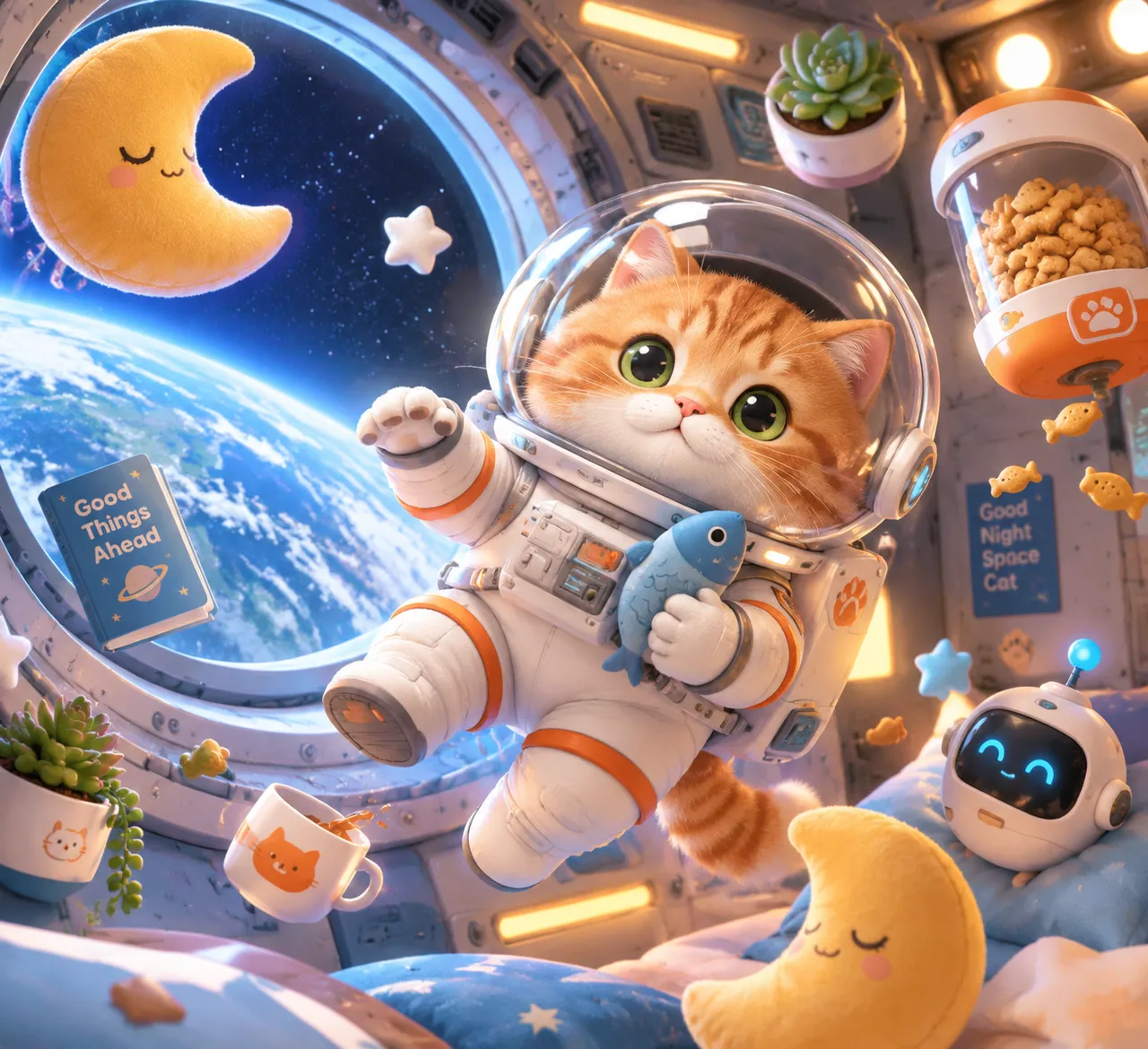
얼룩 고양이가 반짝이는 흰 우주복을 입고 아늑한 우주정거장 모듈 안을 무중력으로 떠다니고, 둥근 원창 너머 파란 지구가 빛나요. 주변에는 달 모양 방석과 다육식물이 흩어져 귀여움이 넘쳐요.
전체 프롬프트 (영문)
Flat 3D illustration of a tabby cat wearing a glossy white astronaut spacesuit with a transparent glass helmet, floating weightlessly inside a cozy space station module, the cat with orange-striped fur, big emerald-green eyes and long whiskers visible through the helmet, holding a small fish-shaped plush toy in one paw, the module interior with round porthole windows showing planet Earth glowing blue below, floating moon-shaped pillows, a snack dispenser, potted succulents and a tiny sleeping robot with a blinking light, soft rounded shapes, gentle gradient shading and cute chunky proportions, composition placing the cat slightly off-center surrounded by floating objects creating a playful circular flow around it, cool blue-white ambient light from the porthole on the left with warm orange accent lighting from the right side, palette of cream, coral orange, teal and soft gray, adorable whimsical space-adventure mood, high detail, high resolution, 4k
같은 이미지 만들기:
위 프롬프트를 복사 → ChatGPT 열기 → 붙여넣고 전송(이미지 모델로 전환할 수 있어요) → 결과를 기다리면 돼요.
ChatGPT 열기 ↗
자세한 사용법은
튜토리얼을 참고하세요.
자주 묻는 질문
이 이미지는 어떻게 따라 만들 수 있나요?▾
위의 영문 프롬프트를 복사한 뒤 ChatGPT을(를) 열고 이미지 모델로 전환해 붙여넣고 전송하면, 모델이 비슷한 결과를 만들어 줘요.
어떤 AI 도구를 사용해야 하나요?▾
추천 대상: ChatGPT. 긴 영문 프롬프트를 지원하는 대화형 이미지 생성 도구라면 비슷한 결과를 얻을 수 있어요.
이 프롬프트를 내 입맛대로 바꿀 수 있나요?▾
네, 가능해요. 주제·스타일·색상·구성 단어를 원하는 주제로 바꾸면 돼요. 설명에는 보통 바꿀 수 있는 대표적인 지점(예: swap X for Y)이 안내되어 있어요.
예시 이미지를 자유롭게 사용할 수 있나요?▾
예시 이미지는 본 사이트가 이 프롬프트로 생성한 전시용 이미지예요. 프롬프트 본문은 자유롭게 복사해 사용할 수 있고, 상업적 이용 시에는 사용하는 AI 도구의 약관을 따라 주세요.